Wonder Room · Digital planner for your phone
€ 9,95
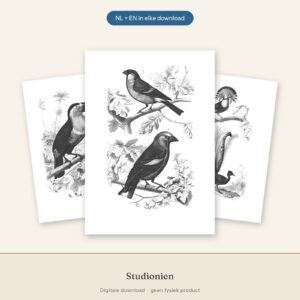
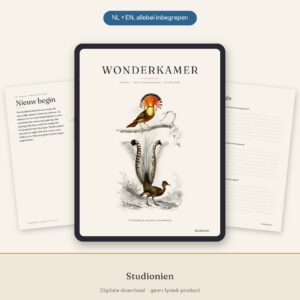
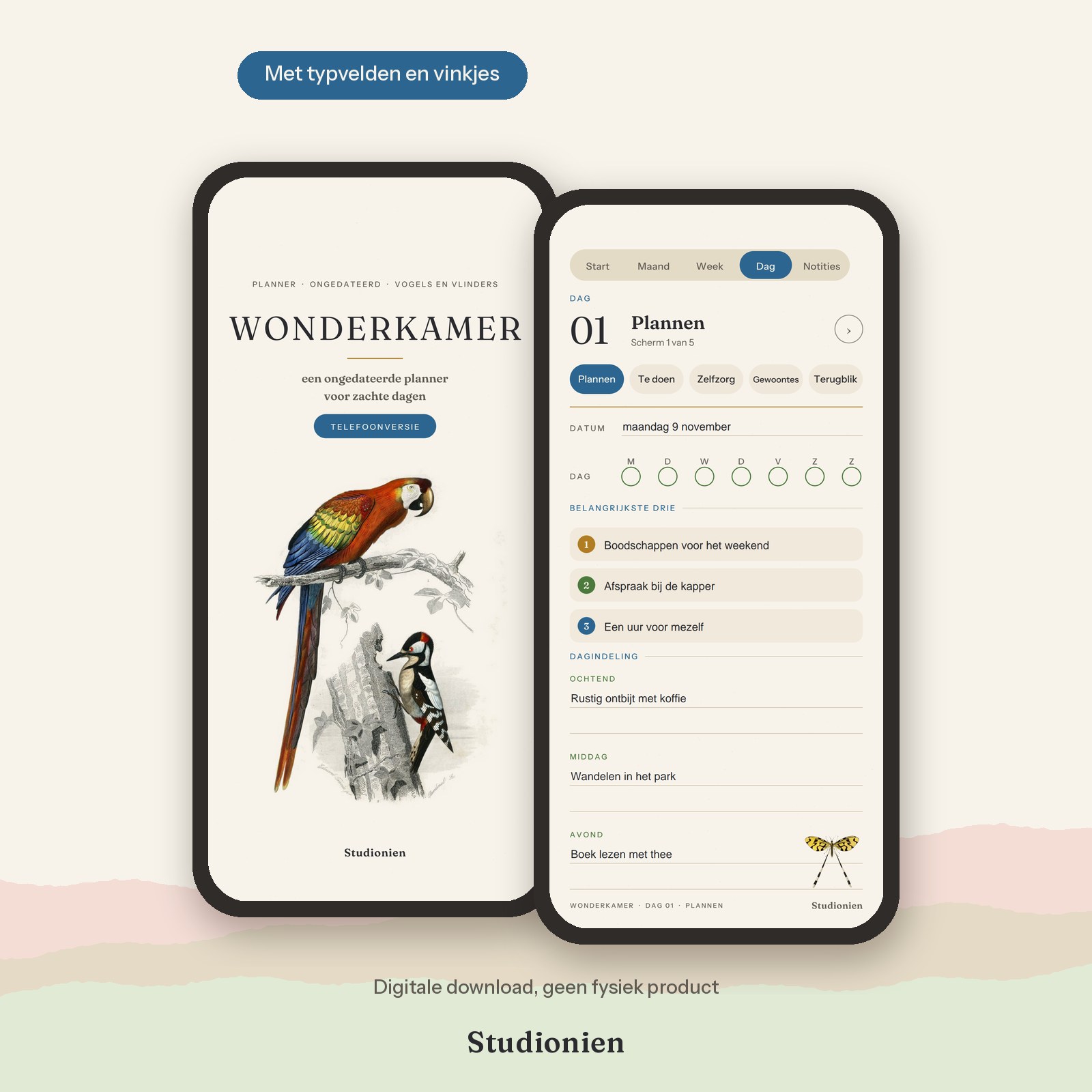
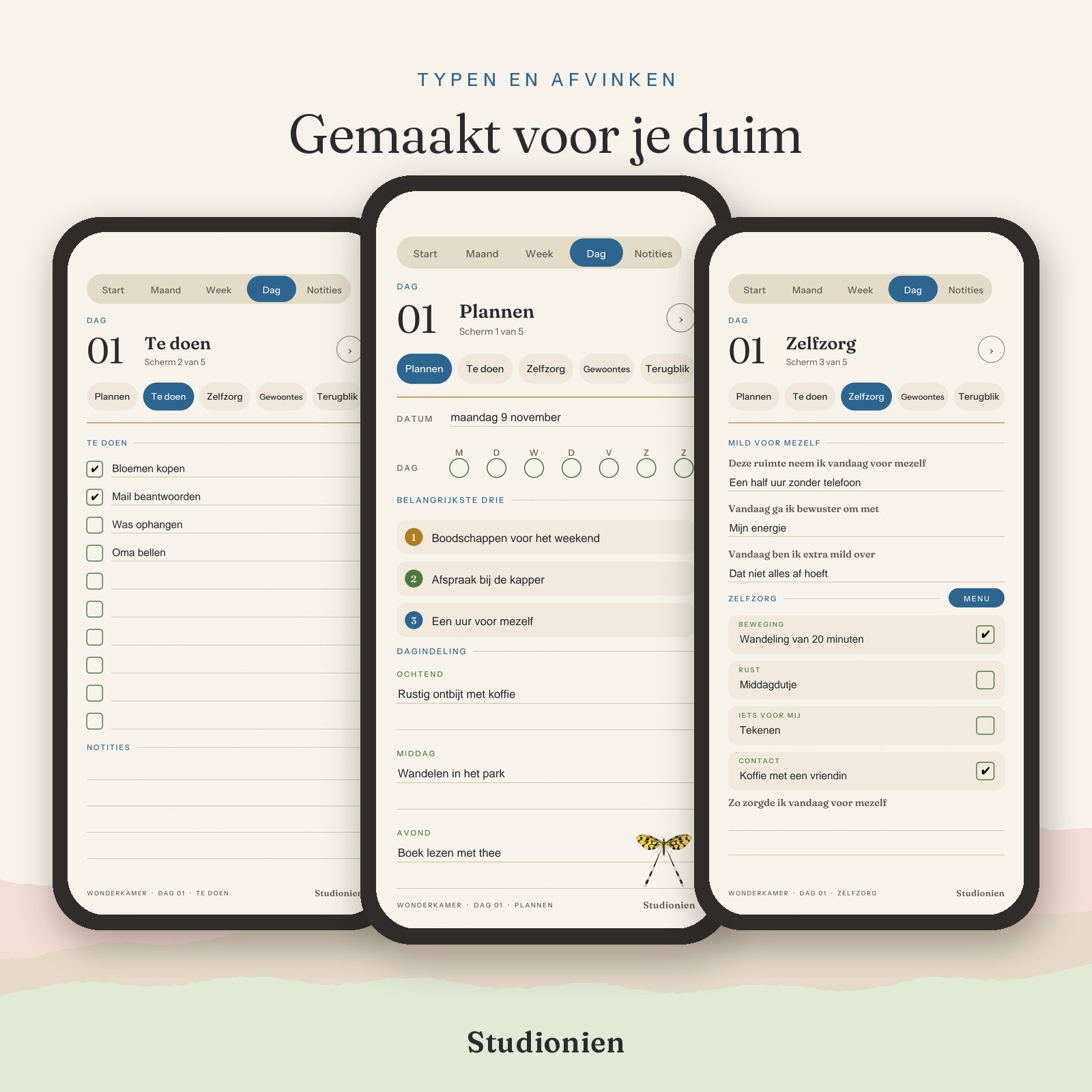
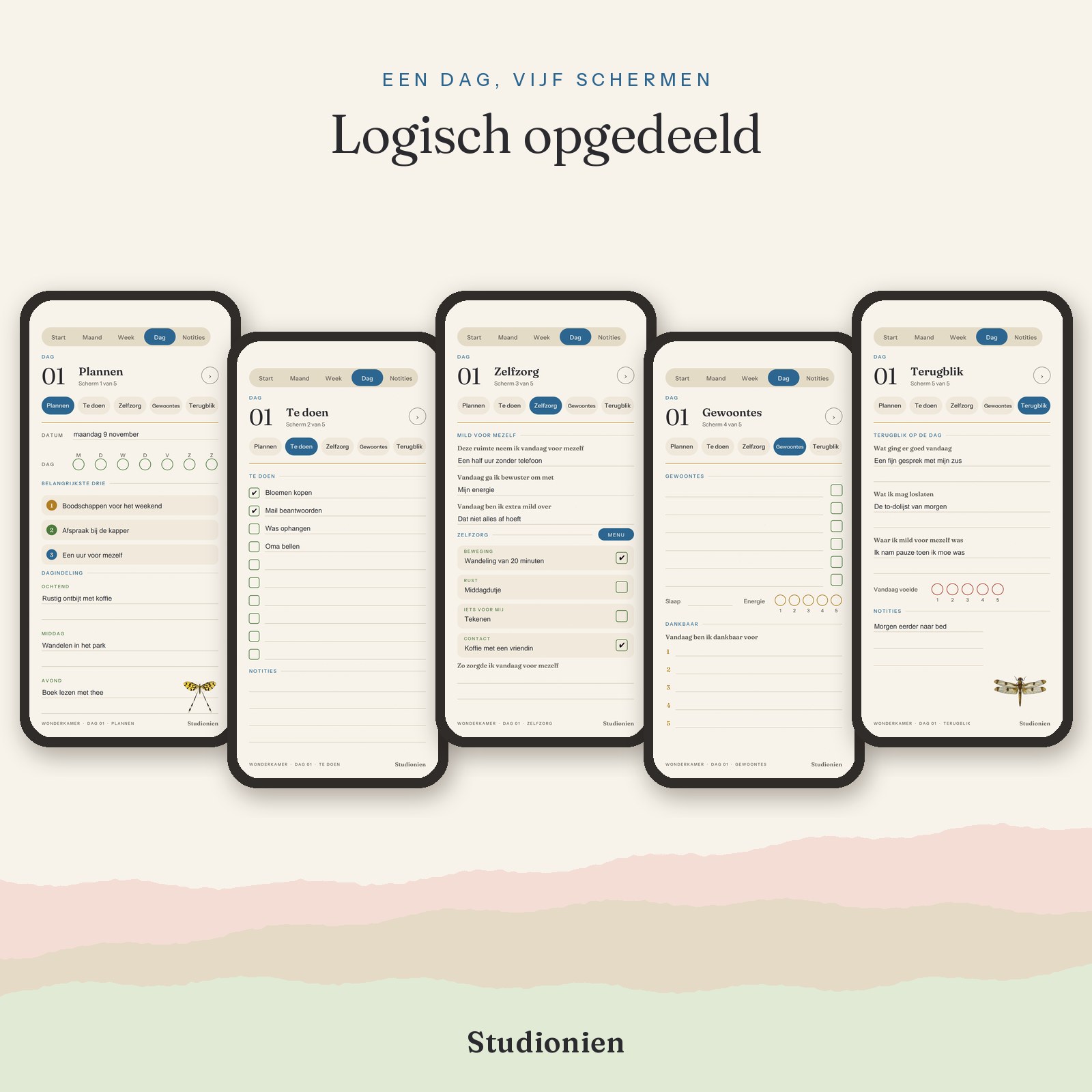
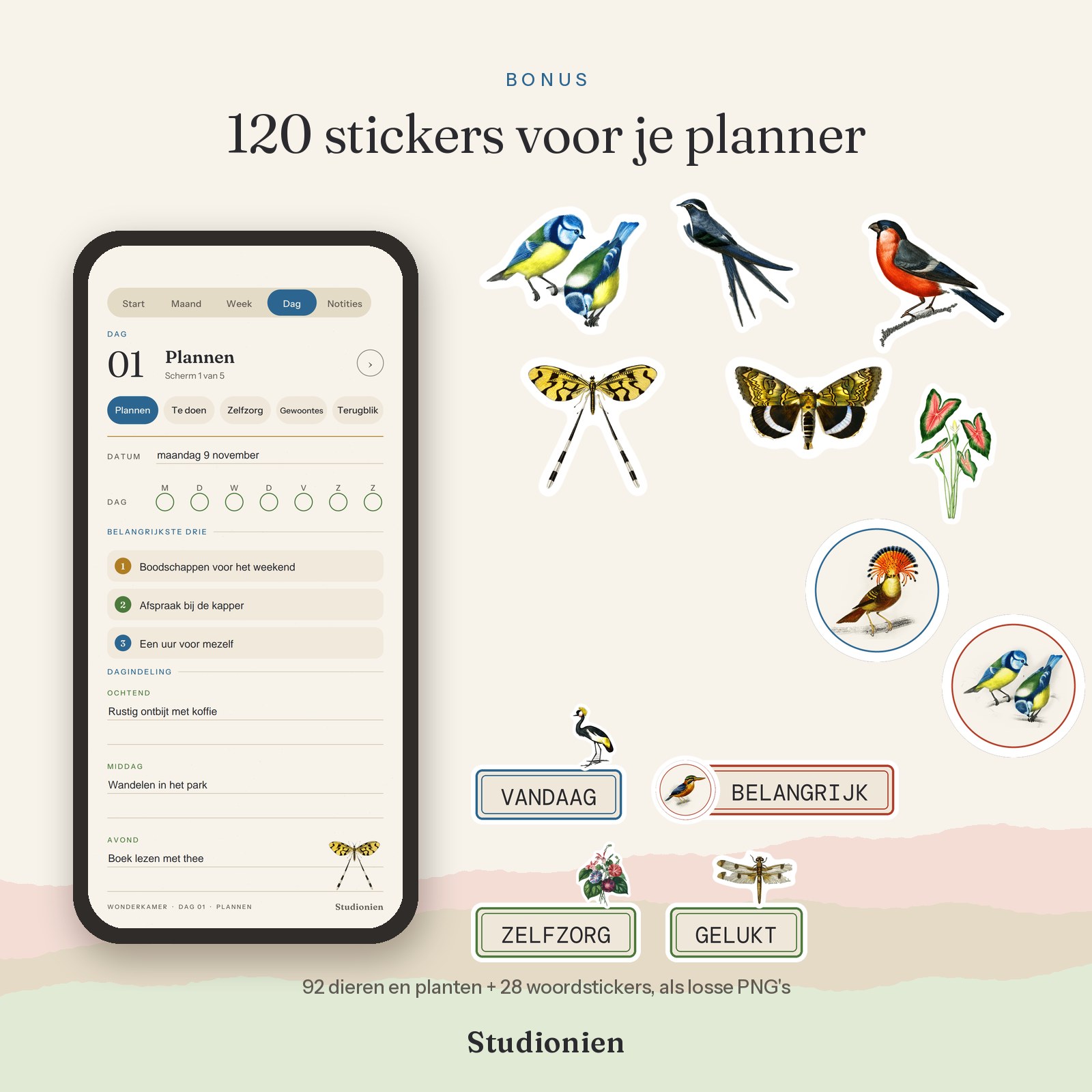
A vintage phone planner with typing fields and checkmarks, featuring birds, butterflies, and flowers by Charles d'Orbigny. Wonderkamer has the same calming content as the tablet version of the Wonderkamer Planner: planning, self-care, gratitude, and reflecting on your day. Everything has been re-arranged in narrow screens that are easy to read without zooming in. You tap a line and type, you tap a box and check off. Undated, so you start whenever you want. Choose Dutch, English, or both. With eight illustrations from the Wonderkamer interspersed throughout and, as a bonus, 120 stickers to place on your pages.
Description
Wonderkamer is a vintage phone planner. with birds, butterflies, and flowers by Charles d'Orbigny: a digital planner for your phone, for those who prefer to plan their day on the screen they always have with them. Each page is designed for a narrow screen, with typing fields, checkmarks, and large buttons that are easy to touch with your thumb.
What's inside
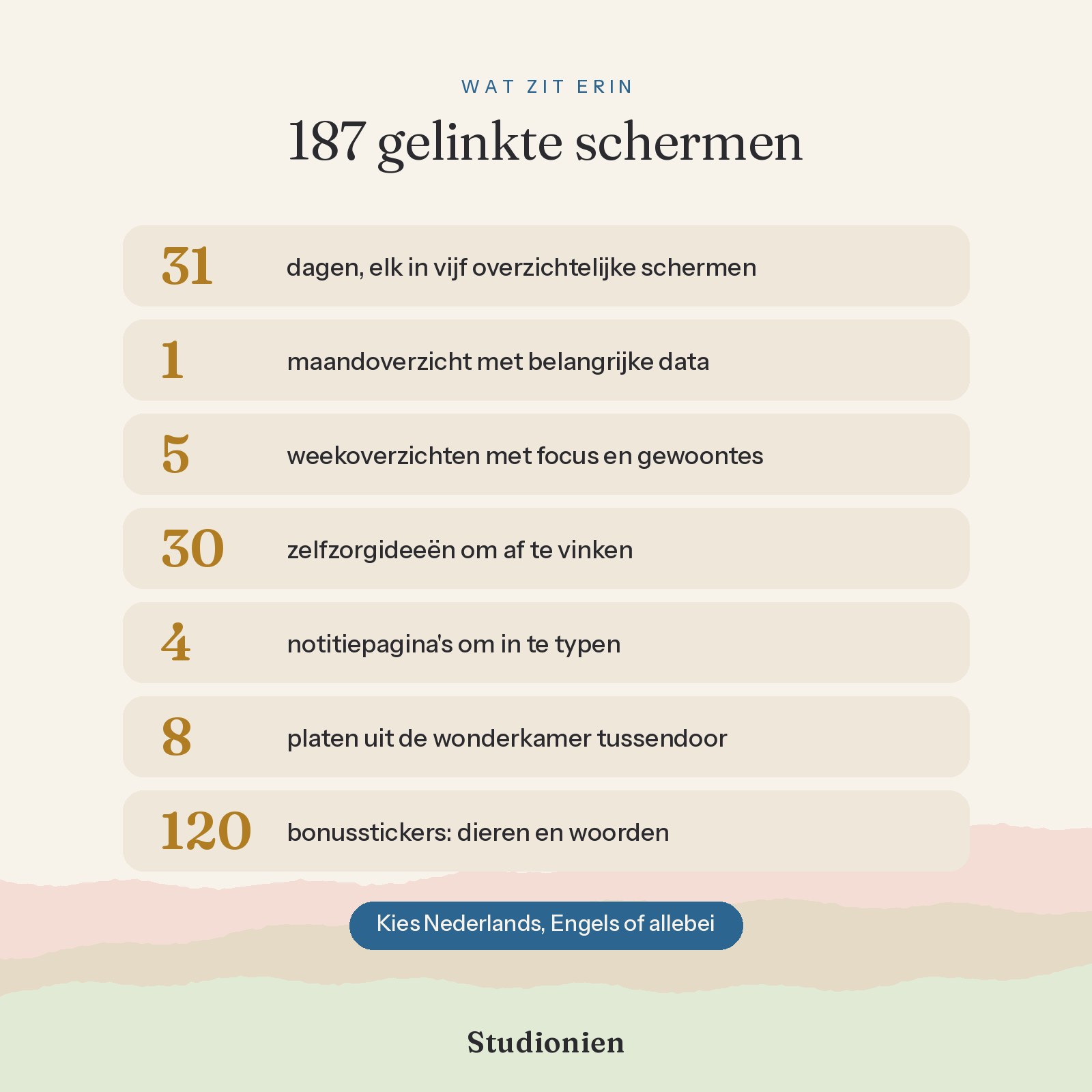
- 31 days, each in five clear screens: Planning, To Do, Self-care, Habits, and Review
- A monthly overview with intention, important dates, self-care goals, and something to look forward to.
- Five focused weekly overviews, your week at a glance, and a habit tracker to check off.
- A self-care menu with 30 small ideas, plus space for your own ideas.
- Four note pages for typing
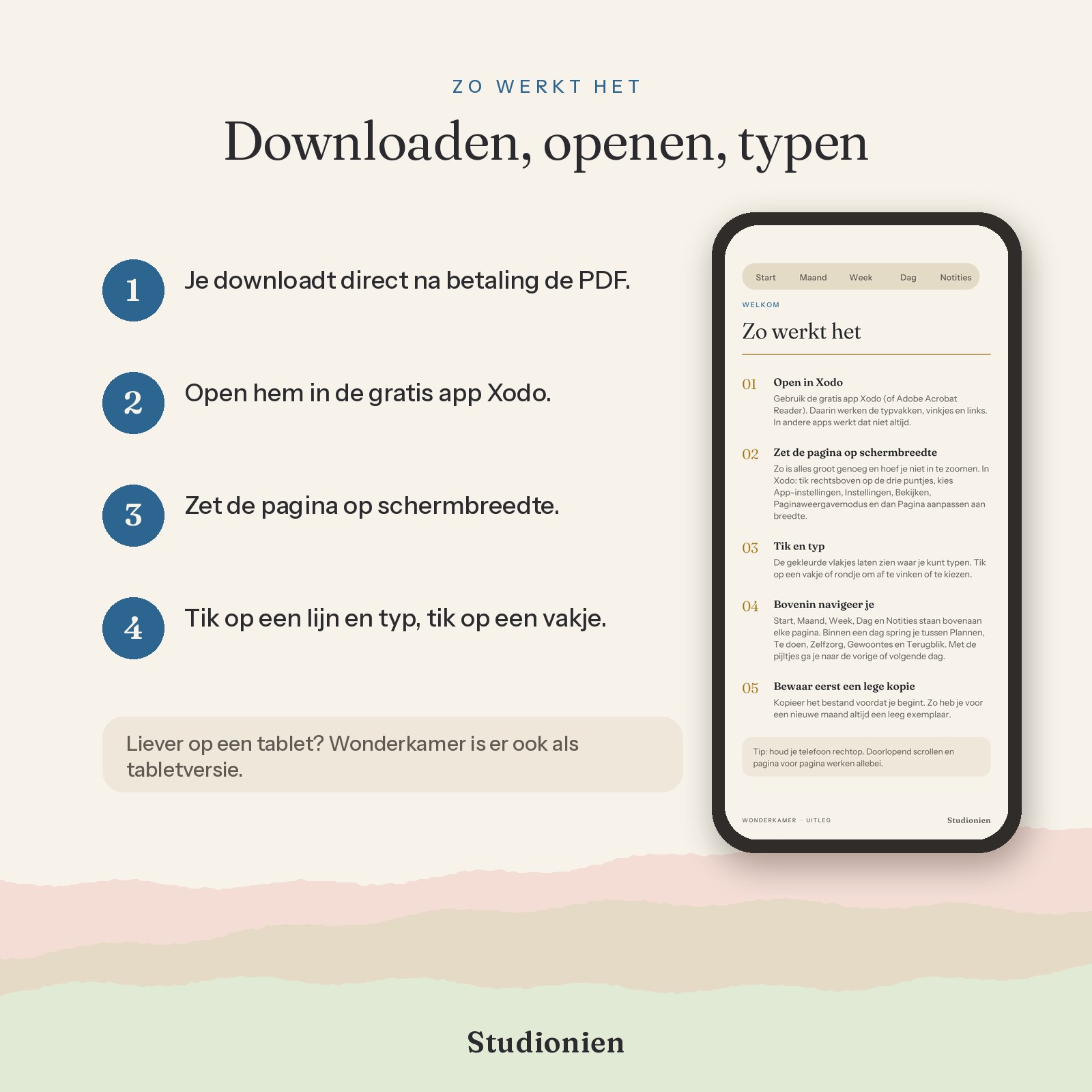
- An explanation page that helps you get started step by step
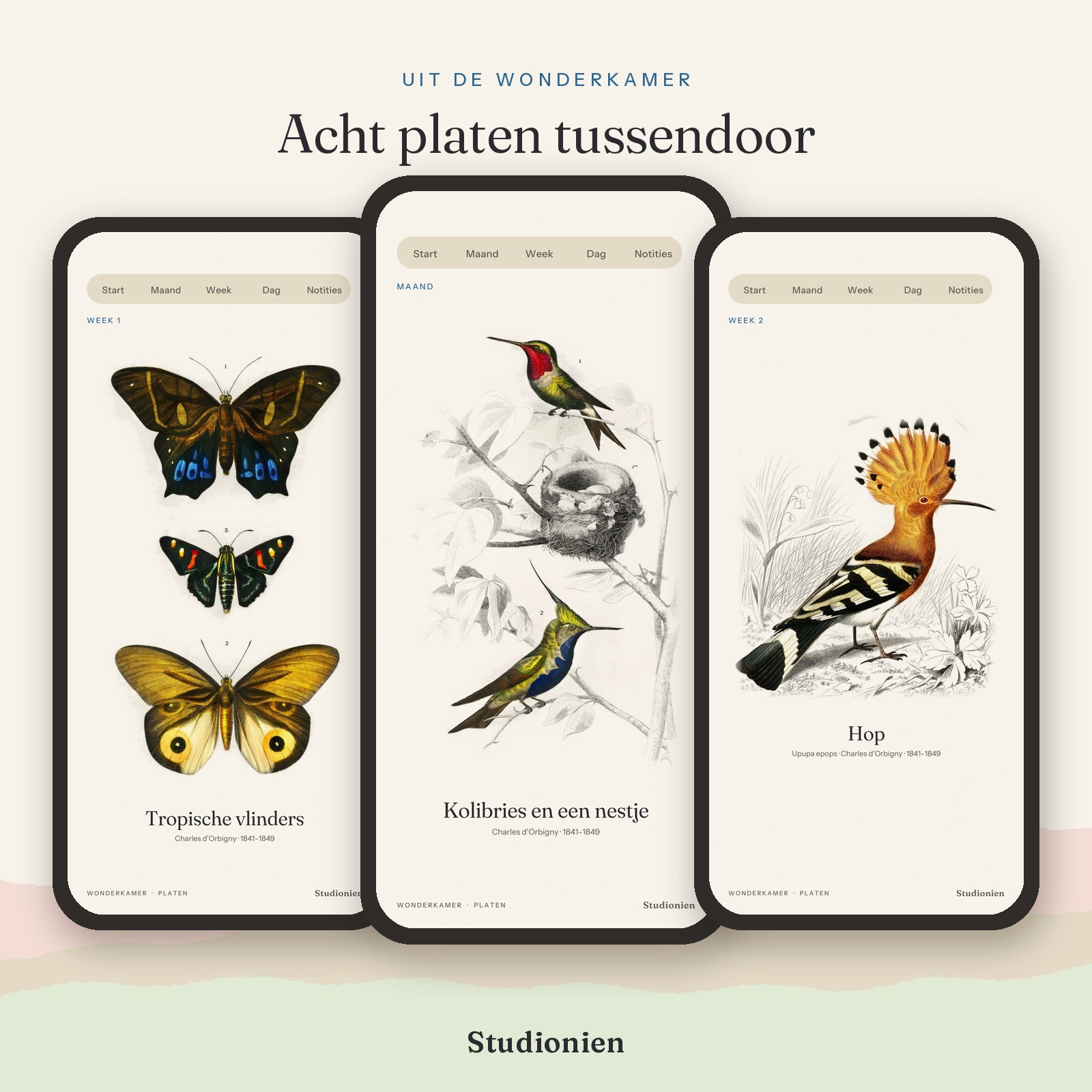
- Eight plates from d'Orbigny's cabinet of curiosities between the pages, as a resting point at the beginning of each week.
- Bonus: 92 stickers and 28 word stickers as separate PNGs, to place on your pages using Insert Image in Xodo.
This is how it works
- 187 linked screens. At the top of every page are Home, Month, Week, Day, and Notes; within a day, you jump to the next screen with a single tap.
- Typing boxes, checkmarks, and radio buttons work in the free app Xodo and in Adobe Acrobat Reader. In other apps, this does not always work.
- Set the page in the app to screen width; then everything is large enough and you won't need to zoom in. The planner explains exactly how.
- Intentionally undated: you enter the date yourself. Finished with the month? Save a blank copy and start again.
- Made for smartphones, held upright. Prefer using a pen on a tablet? Then choose the tablet version of the Wonderkamer Planner.
Choose your language
When ordering, choose Dutch, English, or both for the same price. Immediately after payment, you will receive individual PDF files of approximately 3.7 MB, so there is no zip file to unpack on your phone. You will receive the bonus stickers in two zip files; you unpack these once into a folder on your phone.
Good to know
This is a digital product; you will not receive anything by mail. The content is identical to the tablet version of the Wonderkamer Planner and the other Studionien planners (Momenten and Bloemlezing), only redesigned for your phone. The planner is for personal use only. Reselling, sharing, or giving away is not permitted.
Goes well with the tablet and phone bundle, Cabinet of Wonders for your tablet and The Cabinet of Curiosities Weekly Planner, horizontal and undated, from the same series.
Additional information
| Language | Dutch, English, Dutch + English |
|---|---|
| Suitable for |
You may also like…
-
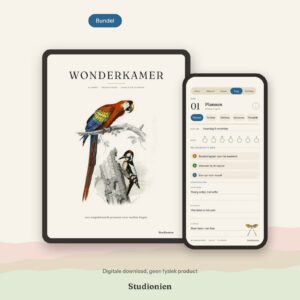
Cabinet of Curiosities · Tablet and phone bundle
Bundle discountLoose together Original price was: € 22,90.€ 14,95Current price is: € 14,95.